
Guides
Package Chaos guides hub: how to play, sort, stack, spend Gold, and walk the full 4,096-package warehouse job.
View all GuidesSort 4,096 packages, unlock skills, and restore a chaotic warehouse.
Unofficial Package Chaos wiki: sort 4,096 packages, unlock skills, stack shelves, and tidy FunTap's warehouse.
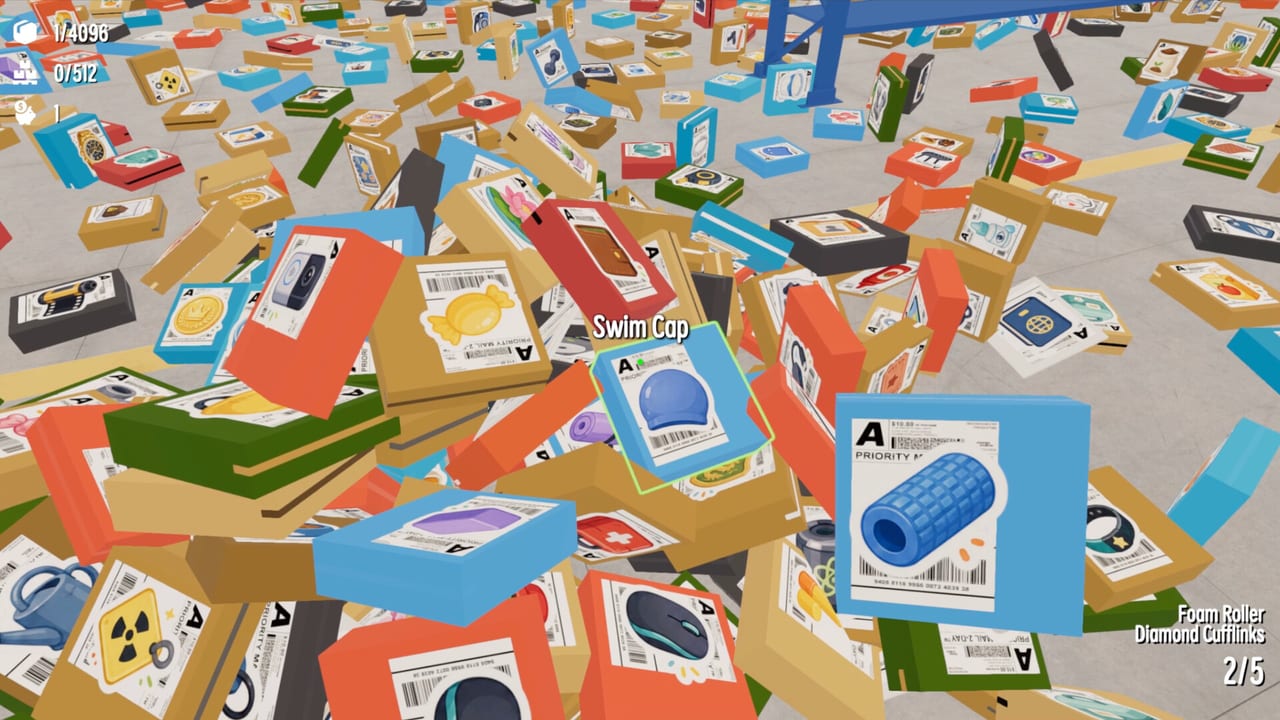
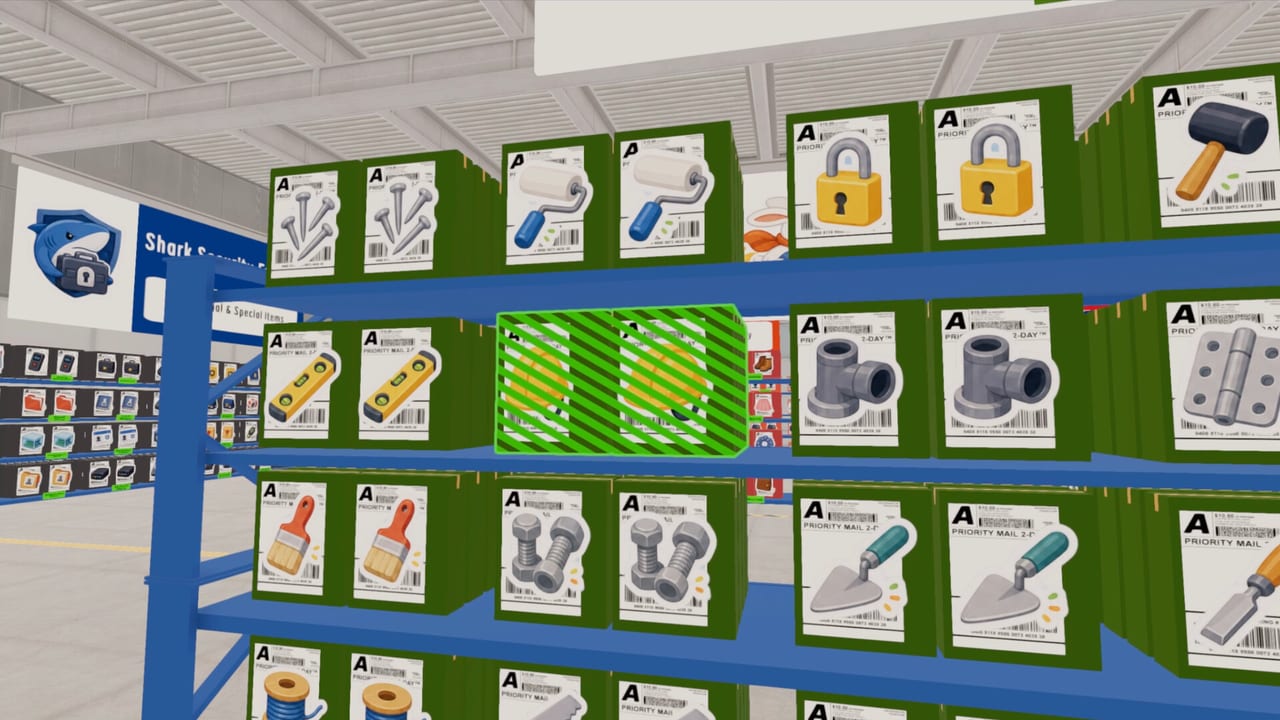
Package Chaos is FunTap Games' cozy first-person warehouse organizer on Steam. You pick up, inspect, and sort 4,096 unique packages by size, color, logo, label, and SKU, then file them under banners such as Eagle Post, Star Express, Polar Bear Cold Chain, and Panda Delivery. Gold buys skills like Magnet Hand. There is no timer and no multiplayer shift — it is a single-player loop about noticing details. Start with the Getting Started walkthrough, then open the sorting guide and the skills tier list.
Package Chaos guides hub: how to play, sort, stack, spend Gold, and walk the full 4,096-package warehouse job.
View all GuidesPackage Chaos tier list hub: rank skills to buy first and package types that punish a sloppy inspect on launch night.
View all Tier ListPackage Chaos tools: system requirements for Windows and macOS, plus a warehouse sorting checklist you can pin.
View all ToolsPackage Chaos updates: August 2026 Steam launch notes, the 12 achievements, and FunTap Games news from that week.
View all UpdatesOfficial Package Chaos links: Steam store, FunTap Games on X, the news hub, and how this fan wiki is unofficial.
View all WikiBuy Package Chaos on Steam, then open system requirements if the warehouse stutters. There is no timed shift — FunTap lists the game as playable at your own pace.
Read Getting Started and controls. Pick a box up, look at size, color, logo, label, and handling marks, then decide where it belongs.
Follow how to sort first. Matching logos and labels beats dumping pretty stacks in the wrong bay. Use the sorting checklist as a floor card.
The stacking guide covers neat piles that still leave walking space. Shelf Complete is the achievement that rewards a finished bay, not a stylish mess.
Stocking pays. Open the skills guide and the skills tier list before you buy every upgrade. Too Heavy exists for a reason.
Quick answers to the most common warehouse questions.
Install from Steam, then follow Getting Started. After the first dozen boxes, switch to how to sort so you do not rebuild every pile later.
No. Package Chaos is a paid Steam title from FunTap Games. It is a single-player first-person warehouse organizer, not a Roblox experience and not a codes game.
No. Steam lists single-player only. You restore the warehouse alone, with optional controller support and Steam Cloud saves.
This wiki is in English, Français, Deutsch, and Español. The Steam build also ships Japanese, Korean, Chinese (simplified and traditional), Italian, Russian, and Arabic interfaces.
FunTap and the HUD say 4,096 packages and 512 shelves. Track them with the HUD guide and achievements such as 100 Stocked.
No. It is a fan-made guide site. Confirm price, patches, and language packs on the [official Steam page](https://store.steampowered.com/app/4996190/Package_chaos/) and FunTap's [X account](https://x.com/funtap_games).
Read the beginner guide, check controls, then rank your first upgrades on the skills tier list. When a box looks fragile, use the tips page.
Start with the beginner guide