
Package Chaos Guides
First-person stocking tutorials from the first box to a finished delivery center.
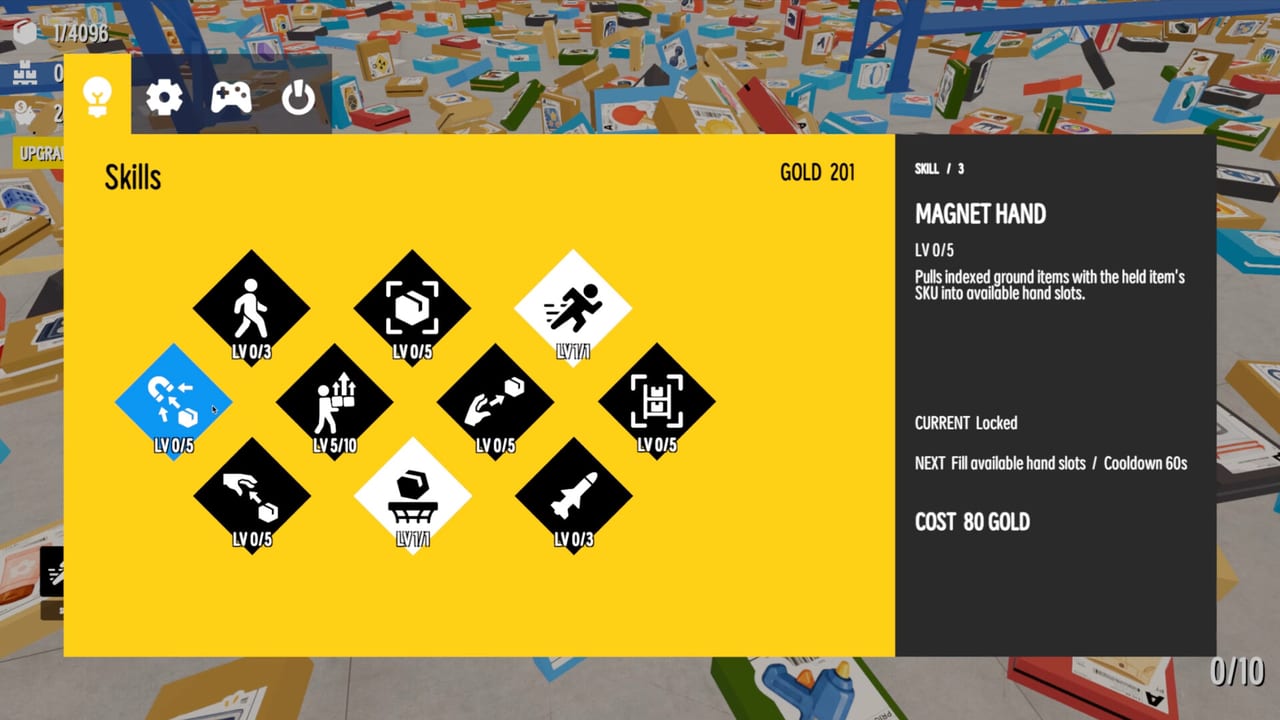
This hub is the map of every Package Chaos tutorial on the wiki. FunTap Games launched a cozy first-person warehouse on Steam on August 28, 2026. The job is simple to say and slow to finish: pick up unique packages, inspect the details, and put 4,096 of them where they belong. If you just bought the game, start with how to play and Getting Started instead of wandering the aisles hoping a color match is enough.
What these guides assume
Package Chaos is single-player. Steam lists full controller support, Steam Cloud, and a play-at-your-own-pace tag. There is no shift timer chasing you, which is the whole point of the cozy loop — and also why a bad first hour can quietly waste an evening. The controls page covers mouse, keyboard, and pads. The system requirements page covers Windows 10 and macOS 12 before you blame the physics for a slide show.
You sort by size, colors, logos, labels, and special handling marks. FunTap’s store copy is not flavor text. Those five signals are the difference between a shelf that looks full and a shelf that is actually correct. How to sort is the mechanic page. How to stack is the spatial page. Read them in that order; pretty towers on the wrong bay still fail the job.
Recommended reading order
- How to play — the six verbs, 4,096 packages, 512 shelves, what a won session looks like.
- Getting Started — first-hour loop, what “stocked” means, when to stop clearing floor junk at random.
- Controls — bind comfort, controller notes, why looking at a box matters more than walking fast.
- How to sort — the five inspection axes and how to avoid false matches.
- Warehouse map and HUD guide — banners, docks, and every widget on the glass.
- How to stack — carry weight, aisle space, and shelves that stay walkable.
- Skills and money — stocking pays, upgrades cost, Too Heavy is a warning.
- Warehouse walkthrough — a floor plan of attention, not a spoiler dump of hidden rooms.
- Tips and fragile goods — how to protect special shipments once the easy cardboard is gone.
When you want rankings instead of prose, leave this hub for the skills tier list and the package types page. When you want a printable brain, open the sorting checklist.
How this wiki talks about the game
Package Chaos just launched. FunTap is a small Japanese-based indie team; their other listed Steam project is When Stars Rest. We do not invent skill names, secret warehouse wings, or YouTube IDs. Confirmed Steam achievements include First Stocked, 100 Stocked, Skill Check, Skill Veteran, Shelf Complete, 1,000 Stocked, and Too Heavy, with 12 achievements total. The achievements page lists what we can verify.
If a sentence here disagrees with a patch note, trust the live build and the updates hub. Launch price is $4.99 USD on Steam (Windows and macOS). Family Sharing is listed. Linux is not.
What “good” looks like in this warehouse
A good session is not a speedrun. A good session is a row of matching identities, a floor you can still walk, and a skill purchase you can explain. The review explains who the game is for. This hub exists so you spend money on movement or carry upgrades instead of restacking the same electronics three times.
Use the official links page when you need the Steam store or FunTap’s X account. Use these guides when the pile in front of you looks identical until you turn the box over.
Frequently Asked Questions
Quick answers to the most common warehouse questions.
Which Package Chaos guide should I open first?
Open how to play then Getting Started if you have not stocked a shelf yet. If you already know the grab loop, skip to how to sort.
Do these guides spoil the whole warehouse?
The walkthrough talks about attention order and inspection habits, not a room-by-room item dump. FunTap's 4,096 packages are the content; we do not list every logo.